
Online Payment Declined? 7 Possible Reasons and How to Fix Them
Online payment declined? Discover 7 common reasons your card payment may fail and practical ways to fix declined transactions, including international payments.
If you’ve ever experienced payment declined? Discover 7 common reasons your card payment may fail and learn practical ways to fix declined transactions.
You've found what you want to buy, entered your card details, clicked pay and then... Payment Declined.
It's frustrating, especially when you know you have money in your account and you're simply trying to complete a transaction.
Whether you're paying for an online subscription, shopping on an international website, renewing a digital service or making an everyday purchase, failed payments can happen for several reasons.
The good news is that a declined payment doesn't always mean something is wrong with your bank account.
Sometimes, it's a card restriction, incorrect payment information, a security check or an issue with the merchant's payment system.
So, before attempting the payment repeatedly, here are seven possible reasons your online payment may have been declined and what you can do about them.
1. Your Card Doesn't Support International Transactions
One common reason online payments fail is that the card being used doesn't support international transactions.
Not every debit card is enabled for payments on foreign websites. Some cards are restricted to local transactions, while others have international spending limits.
This can become a problem when you're trying to pay for services such as Canva, Spotify, Apple subscriptions or international shopping platforms.
How to fix it:
Check whether your bank card supports international transactions.
Contact your bank to confirm any restrictions on your card.
Check whether international transactions are enabled.
Consider using a virtual dollar card designed for eligible international online payments.
2. You Don't Have Enough Available Balance
Having money in your account doesn't necessarily mean you have enough available balance to complete a particular transaction.
For example, an international purchase may involve currency conversion, exchange-rate differences or additional charges depending on your card provider and merchant.
If your available balance is lower than the total amount required, your transaction may be declined.
How to fix it:
Check your available balance before making the payment.
Confirm the total transaction amount.
Account for possible currency conversion differences and applicable fees.
Make sure you have enough funds to cover the complete transaction.
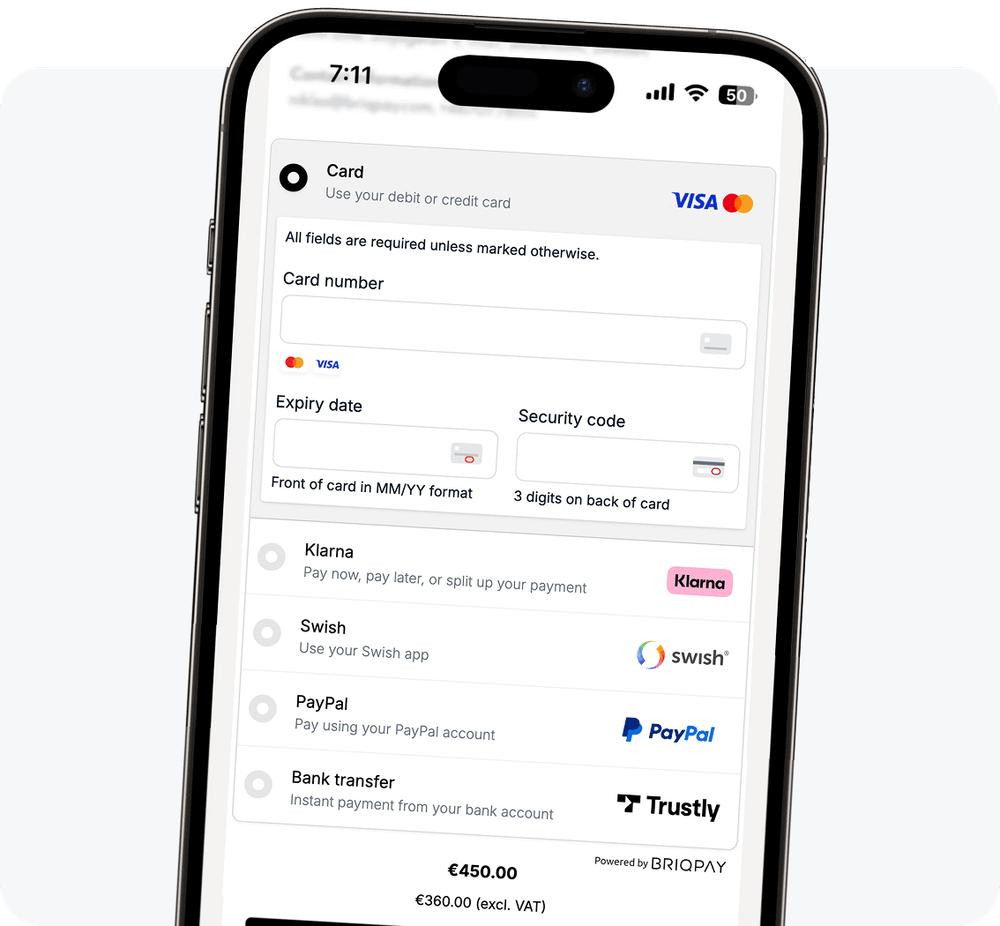
3. You've Entered Incorrect Card Details
Sometimes, the problem is as simple as entering the wrong information.
A small mistake in your card number, expiry date or CVV can prevent a payment from going through.
Billing information can also cause problems if the details entered do not match what your card provider or the merchant requires.
How to fix it:
Before submitting your payment, double-check:
Your 16-digit card number.
The card's expiry date.
Your CVV.
Your billing information, where required.
Avoid rushing through the checkout process. One incorrect digit can interrupt an otherwise straightforward transaction.
4. Your Card Has Reached Its Spending Limit
Some cards have daily, monthly or transaction-specific spending limits.
Even when you have sufficient funds, a payment may be declined if it exceeds the limit assigned to your card.
For instance, if your card has a daily online spending limit of $100 and you're attempting a $150 purchase, the transaction may not go through.
How to fix it:
Check your card's daily and monthly spending limits.
Review any transaction restrictions.
Contact your card provider if you need clarification or an adjustment.
Remember that available balance and spending limits are two different things.
5. Your Bank or Card Provider Flagged the Transaction
Financial institutions use security systems to identify unusual or potentially suspicious transactions.
For example, a payment may be flagged if:
You're making a purchase from an unfamiliar international website.
You're attempting an unusually large transaction.
There are several payment attempts within a short period.
Your transaction activity differs from your usual spending pattern.
Sometimes, a legitimate transaction can trigger these security checks.
How to fix it:
Check whether your bank has sent a security notification.
Contact your card provider to confirm why the transaction was blocked.
Complete any required verification.
Avoid repeatedly attempting the same payment before identifying the problem.
6. The Merchant Doesn't Accept Your Card Type or Country
Not every online merchant accepts all card types or cards issued in every country.
Some platforms have restrictions based on the card network, issuing country, billing country or payment method.
This means your card could be working perfectly well but still be rejected by a particular website.
How to fix it:
Check the merchant's accepted payment methods.
Confirm whether cards issued in your country are supported.
Check whether the merchant requires a particular card network.
Use another payment method accepted by the merchant.
Having a valid card doesn't automatically mean every website will accept it.
7. The Merchant's Payment System Is Experiencing Issues
Sometimes, the problem isn't your card at all.
Online payment systems depend on several services working together, including payment gateways, banks, card networks and merchant platforms.
If any part of that process experiences a technical issue, your payment may fail.
You might also encounter temporary connection problems, checkout errors or payment processing delays.
How to fix it:
Check your internet connection.
Refresh the website or application.
Check whether the merchant has reported a service disruption.
Wait a little before trying again.
Check your bank or card transaction history before attempting another payment to avoid accidentally paying twice.
What Should You Do Immediately After a Payment Is Declined?
Before trying again, take a moment to identify what went wrong.
Here's a quick checklist:
Check your account balance.
Confirm that your card details are correct.
Review your transaction limits.
Check for bank security alerts.
Confirm that the merchant accepts your card.
Check your transaction history to see whether money was deducted.
Contact your card provider if the reason remains unclear.
Important: If money has been deducted but the merchant says your payment failed, don't immediately pay again. Confirm the transaction status with your card provider and the merchant first.
Make International Online Payments Easier with YangaPlug
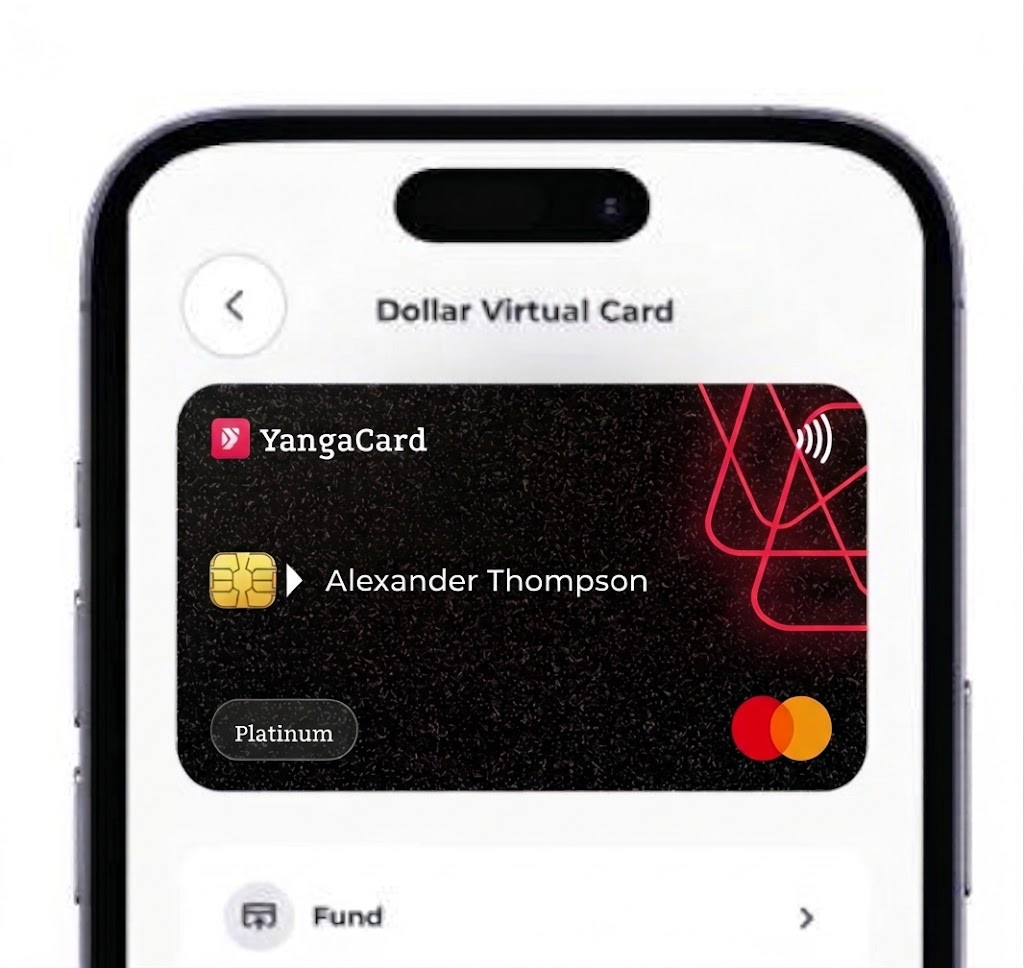
If you've ever struggled to pay for an international subscription, shop on a foreign website or access a digital service because your local card wasn't accepted, you understand how frustrating payment restrictions can be.
This is where having the right payment option matters.
YangaPlug offers virtual dollar cards designed to help users make eligible international online payments.
Whether you're paying for digital subscriptions, accessing online tools or shopping internationally, a virtual dollar card gives you another way to handle your online transactions.
You can also use YangaPlug's virtual naira card for supported local online payments.
Ready for a more convenient way to pay online? Get your YangaPlug virtual card and take control of your digital payments.
Final Thoughts
A declined online payment doesn't always mean your account is empty or your card is faulty.
The most important thing is to identify the actual reason before attempting the transaction again.
Understanding how online payments work can help you avoid unnecessary stress, protect your money and make better payment decisions.